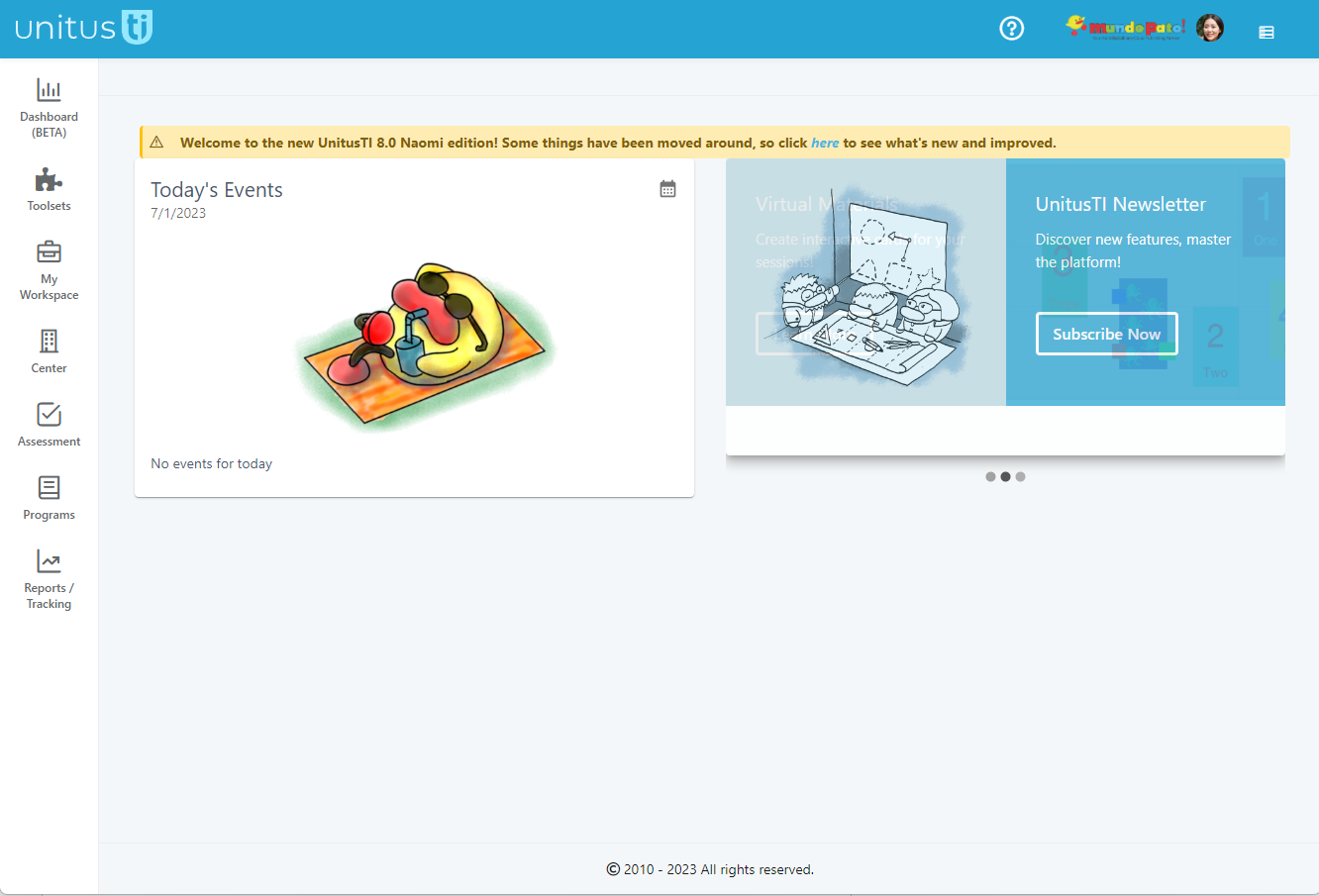
Watch a short overview of the new home screen here
We are thrilled to introduce you to UnitusTI 8.0 Naomi Edition
The Unitus Therapy Intelligence cloud platform has gotten a fresh new look and feel! Here are some of the changes:
- Home: the home page in UnitusTI now displays a handy list of your events for the day. Clicking the View button will take you directly to the event in the calendar.
- Main menu: a new streamlined menu with icons only (or you can set icons with text in your User Preferences (found in My Account)
- Top Menu:
Help and support, My Account, Log Out, Clock In/Out and the Open Sessions icon are now in the top bar, along with your logo (which you can set in your Center Information area, as before).
- My Account:
more user preferences can be found in your personal user profile page. Go to My Account by clicking your picture (or initials) icon in the top blue bar and make personalized changes to your workspace in User Preferences. (Nudge your admin to add a picture for you in the User List to personalize your workspace even more)

More updates:
Layout color options:
You can select between three different color themes in the account preferences panel in your Center configuration (Center/Center Information/Account Setup:
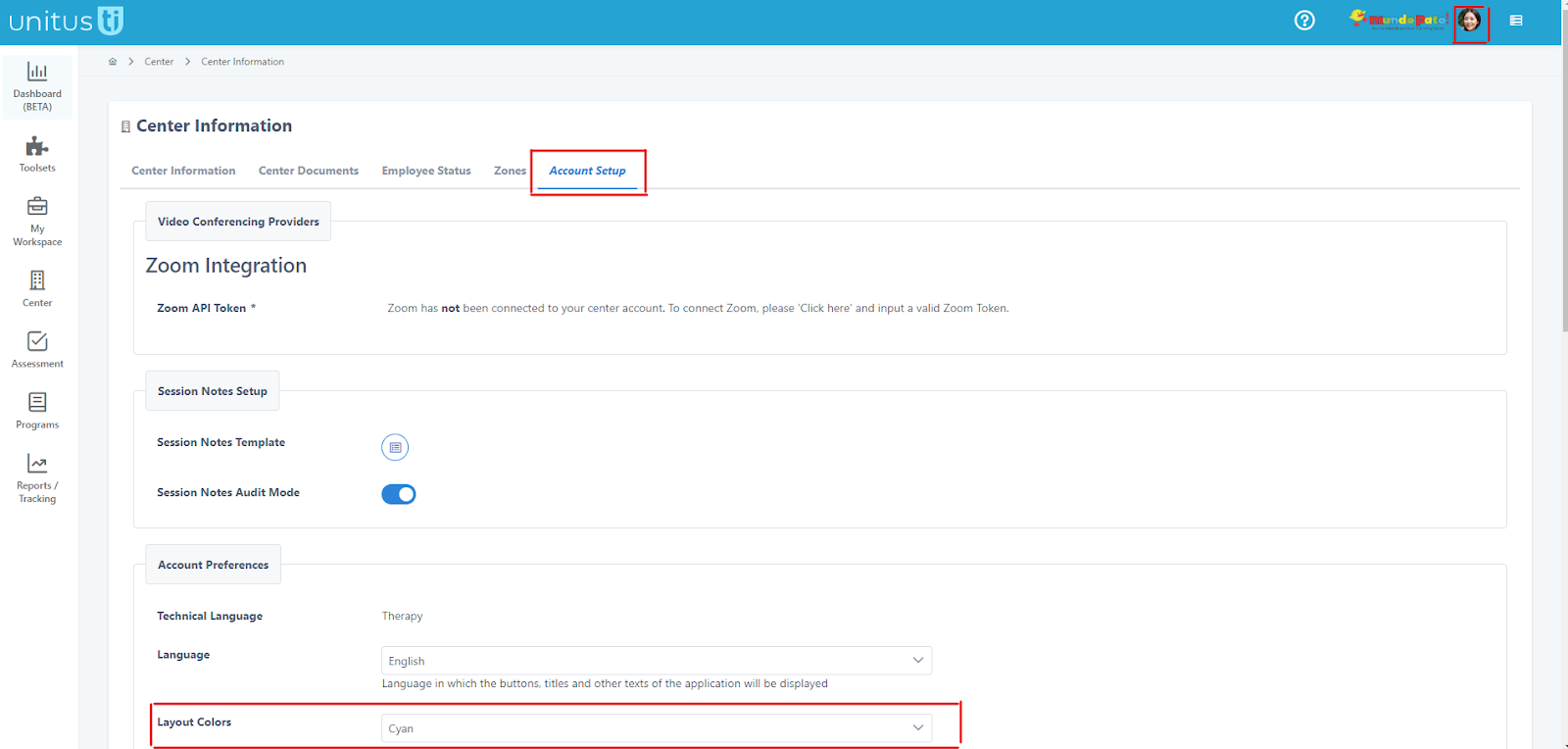
(Note: changes in this area affect all users)
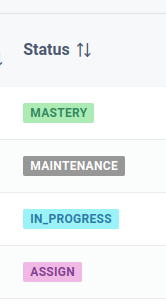
Color visual cues added to statuses :
Screens that display states, like users, clients, programs, assessments, now present the states with different colors to facilitate recognition:
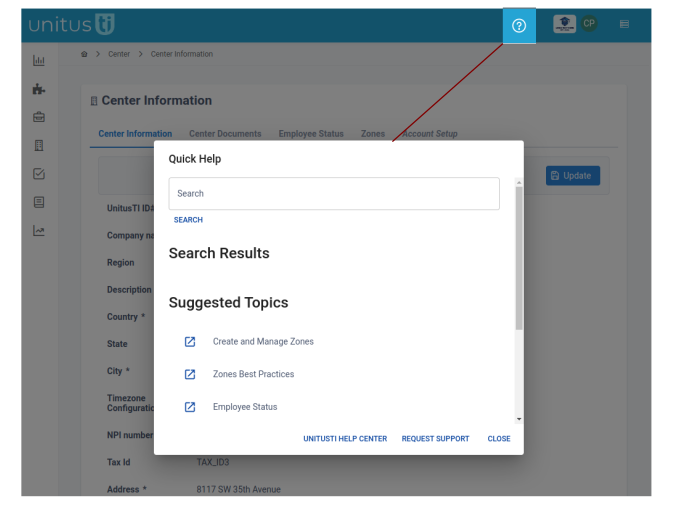
New Quick Help Dialog
:
In the question mark icon at the top of the screen, search for Help Center articles without leaving UnitusTI. Discover suggested articles related to your current screen. Request support.
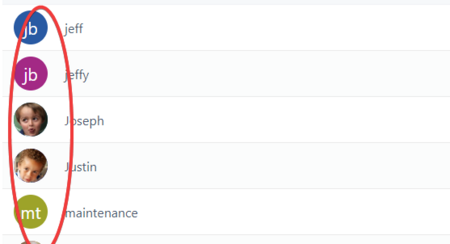
Icons of Clients and Users display initials as default:
For Clients and Users that have no picture added to their profiles, their initials are displayed in the avatar icon on the top blue bar. User pictures can be added by an Admin in the User List and client pictures can be added in My Clients.
(Tip: refresh the screen or log out/in for the changes to display)
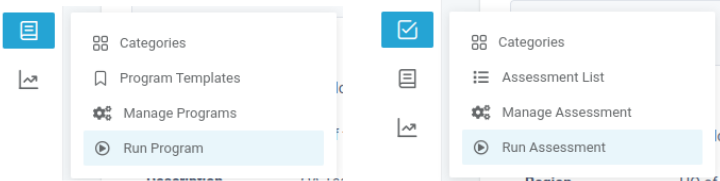
Menu restructure:
The separate “Run” menu area has been eliminated. The “Run Assessment” and “Run Program” areas have been moved within the Assessment and Programs menus
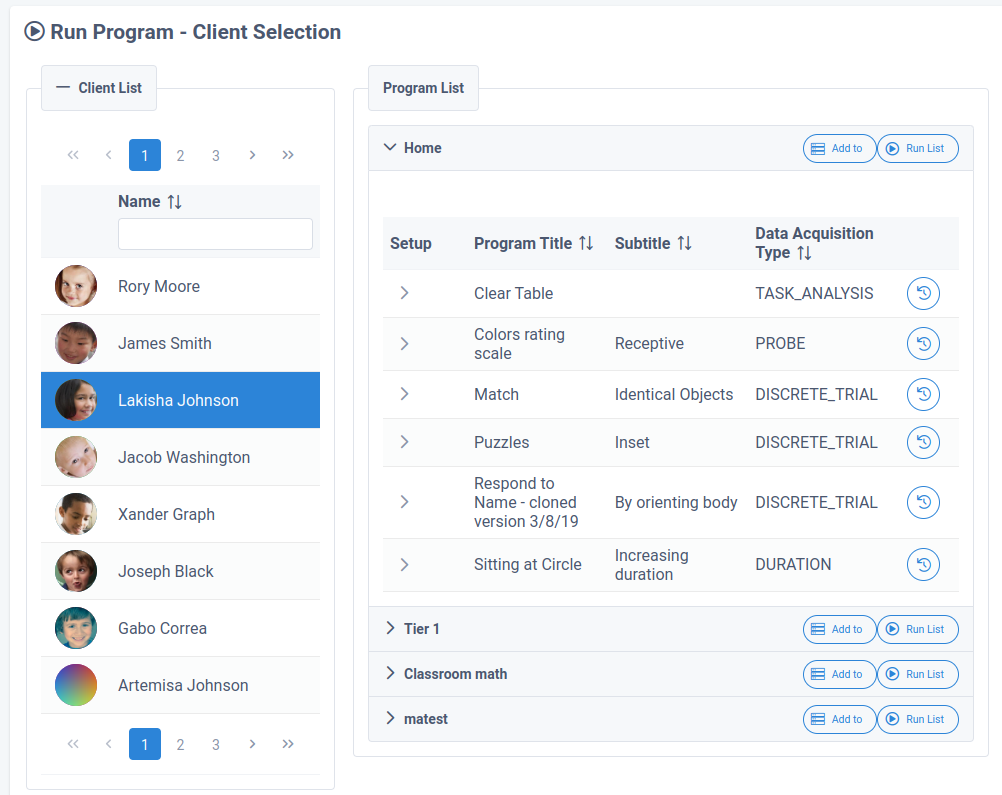
Run Program Screen redesigned
The Run Program Screen had been redesigned to facilitate the selection and execution of programs
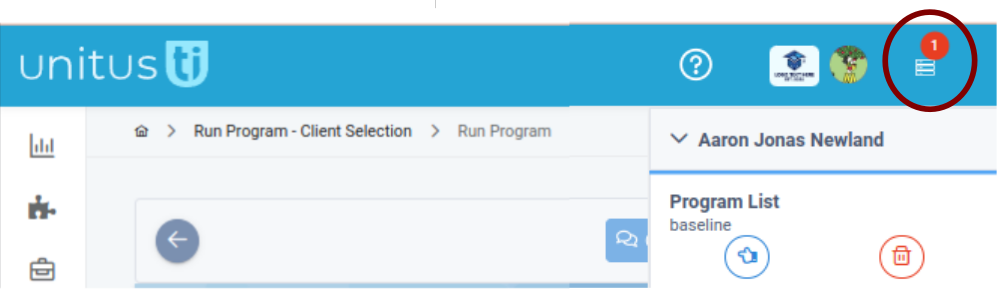
Program Execution Queue redesigned
The Program Execution Queue had been redesigned to improve usability. Select the icon in the top right corner of your screen to open a side tray showing the program sessions initiated that day and to return to them quickly.
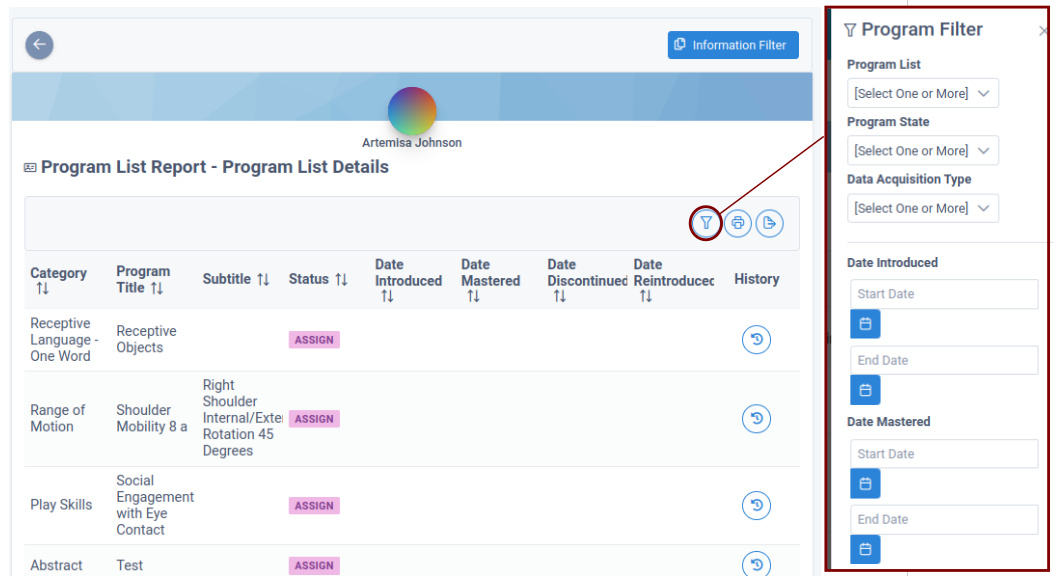
Advanced filtering options unified
A new design with a lateral slide component has been added to all screens that offer advanced filtering functionality.
New Custom Forms Toolset
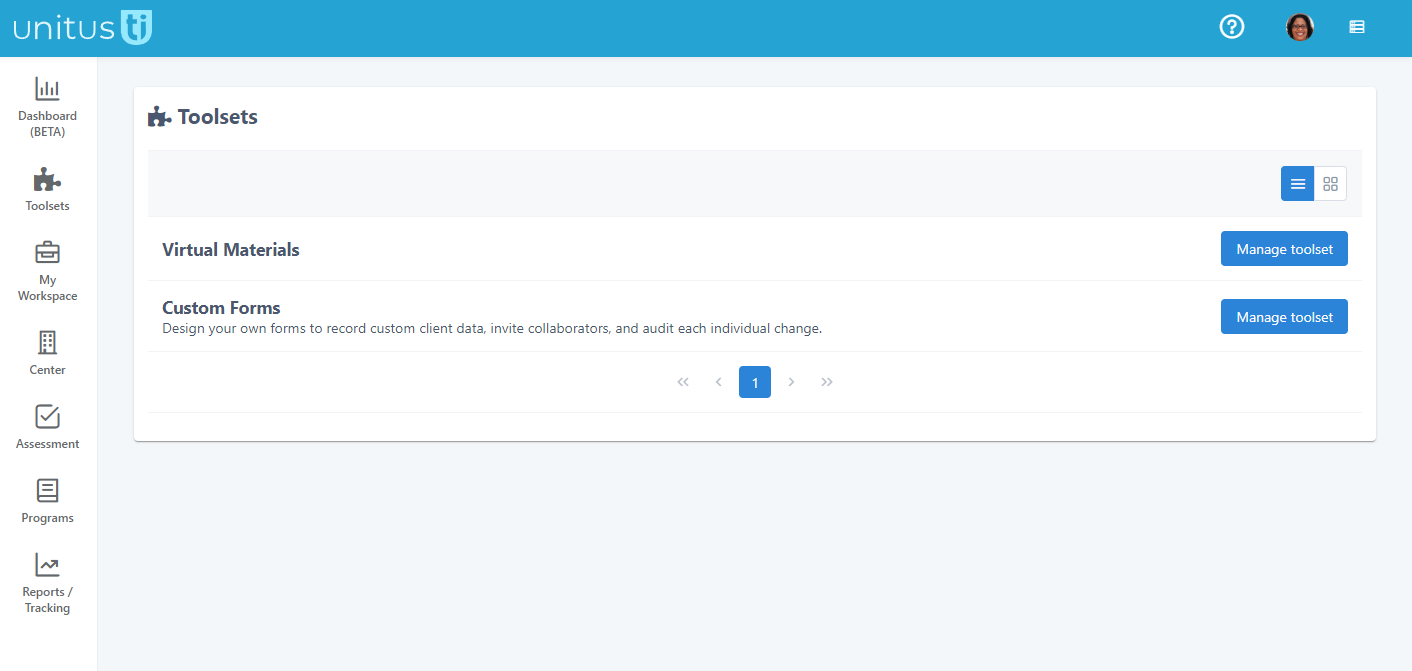
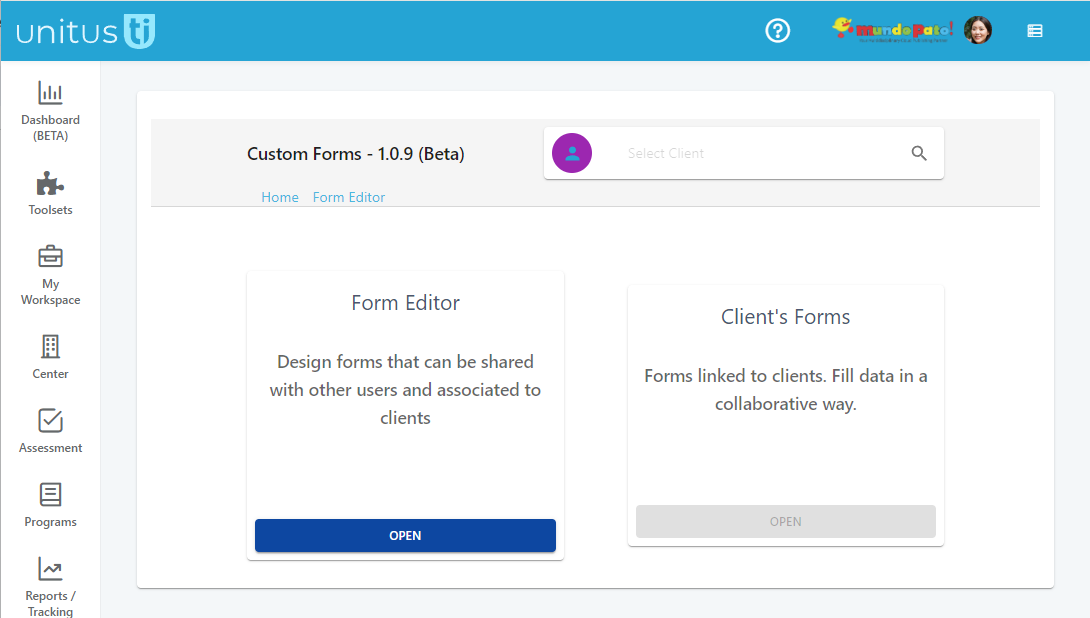
A new Toolset for the creation of shared forms can be found in your Toolsets menu. Create shared forms that can be edited in a collaborative way by a team of users, while keeping detailed logs of each change per field level. (Tip: Educators, try this new toolset out for managing your students’ IEP forms!)
This new toolset is found in the main menu under Toolsets.
Read more about how to create and use custom forms here
.
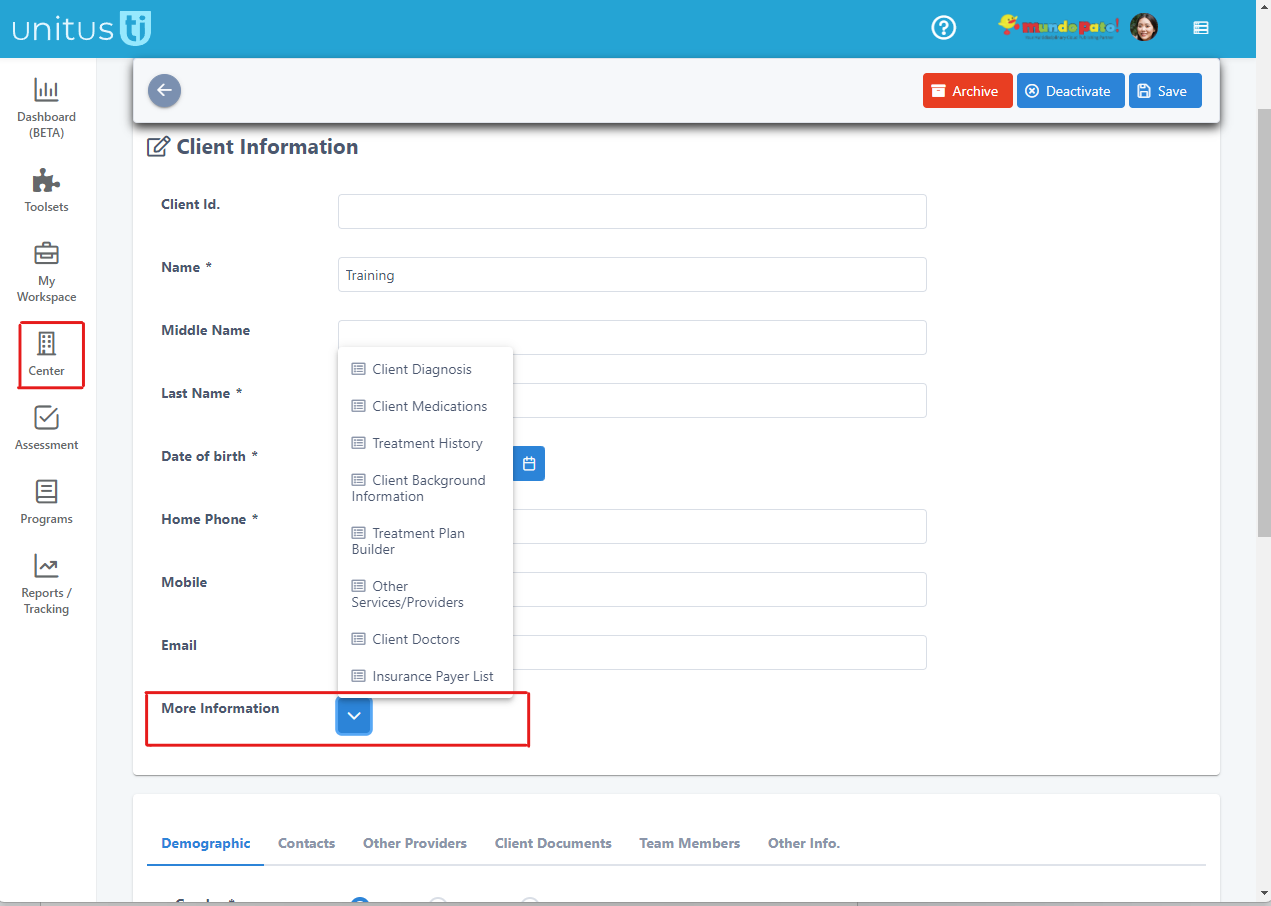
Client Information updated: “Forms” section renamed to “More Information”
Due to the release of the new Custom Forms toolset (see above), the area formerly called Forms in the client record in My Clients is now called More Information. The same record keeping forms are available, such as Client Medications, Treatment History, etc.
Tip: The records in “More information" are able to be included in the Progress report export option found under Program List Report/Information Filter.
We hope these updates make your UnitusTI experience even better! Submit a support request to let us know what you think or get more help.