In UnitusTI, you can personalize your account by adding your organization logo.
- From the main menu, click Center , then select Center Information .
- Scroll to the bottom of the page and click
Edit Image
.
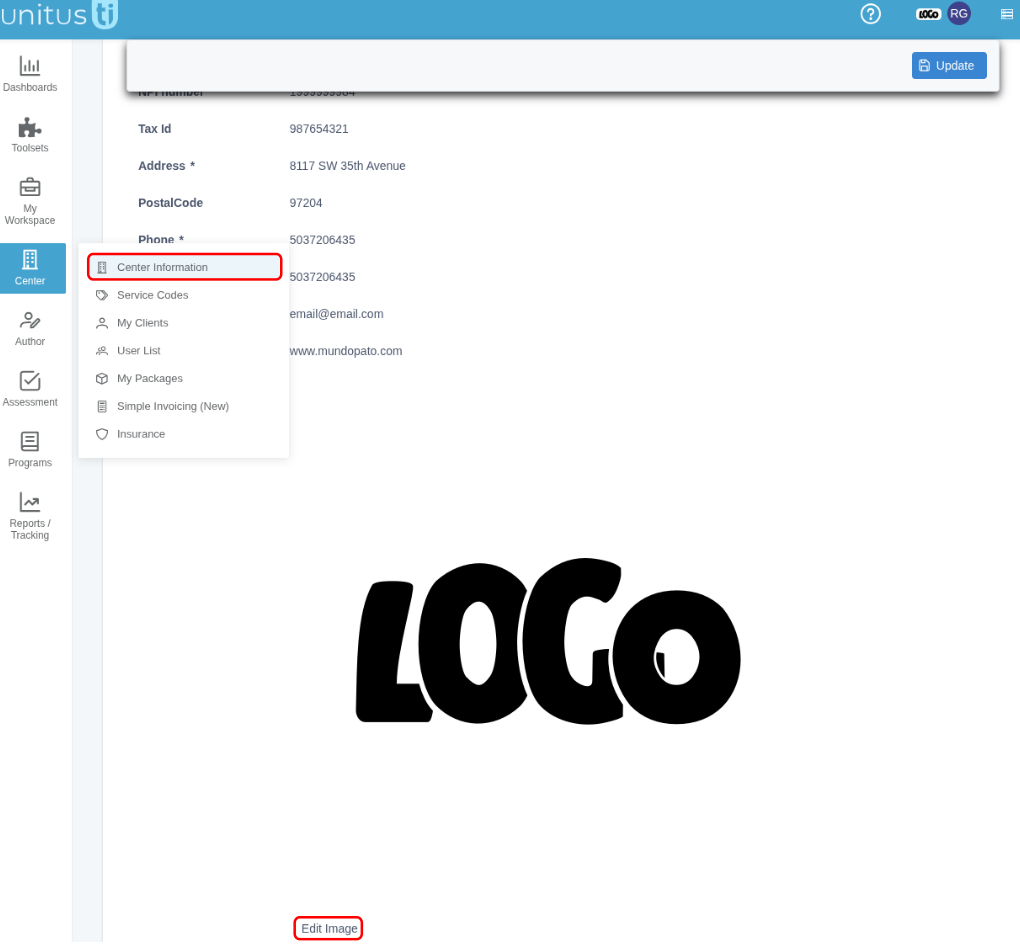
- Click Choose , select the logo file you’d like to upload, and click Open . It is automatically updated.
You may upload a .jpg/.jpeg or .png file. The file must be under 100 KB , and you can upload only one logo.
Your new logo will now display in your center information area, at the top of your screen, and on personalized reports. If it doesn’t appear right away in the blue header bar, simply refresh your screen.