|
|
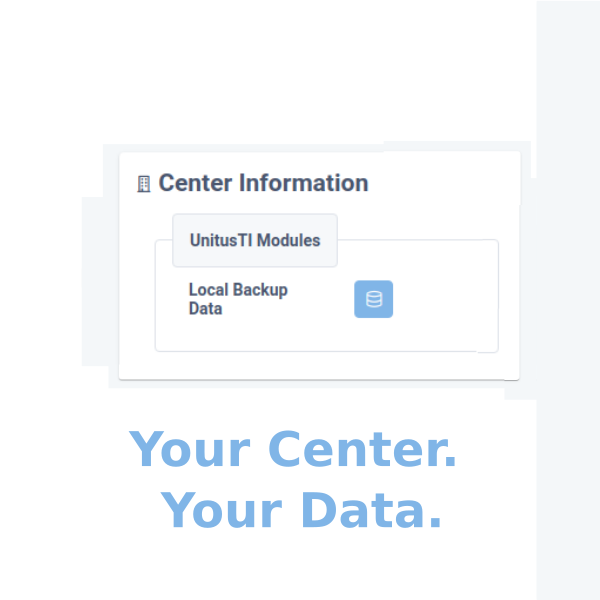
UnitusTI offers out-of-the box automatic backups for all our accounts, but it also offers an optional, additional tool for those accounts that require keeping their own local backups .
|
1. Automatic Backups (standard and included)
Maintaining backups of account data is a required best practice under the compliance standards to which UnitusTI is certified.
By default, the UnitusTI platform performs automatic daily backups of all account data. This allows UnitusTI to restore information to a specific point in time if needed for system recovery or data integrity purposes.
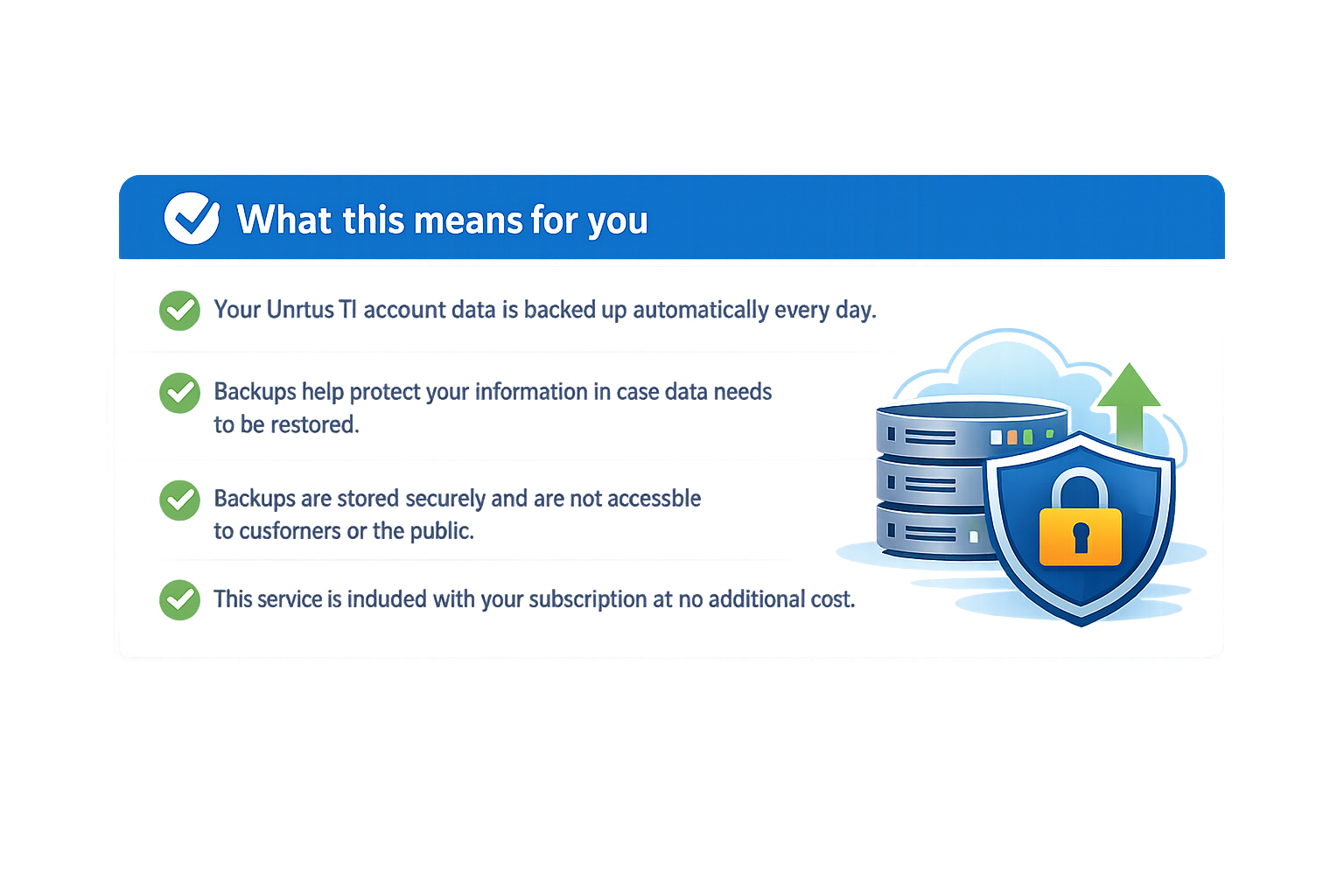
All automatic backups are stored in a private, secure environment and are accessible only to UnitusTI’s authorized technical team under strictly controlled circumstances.
2 Local Backups - optional add-on service
In addition to Automatic Backups, some organizations may be required—due to government regulations, accreditation standards, or internal IT policies—to maintain local copies of their data at regular intervals.
UnitusTI offers a Local Backup feature that allows accounts to manually generate backup files for certain areas of the UnitusTI platform, on demand, up to a defined monthly limit. This feature enables organizations to download and securely store copies of their data within their own IT infrastructure.
Local Backups are a paid subscription service and are not included in the base UnitusTI subscription.
To request activation of Local Backups, please submit a Support ticket from the Help icon within UnitusTI .
Important: Before requesting activation of this service, please carefully review your organization’s internal IT security policies and storage practices. Proper safeguards are essential to minimize the risk of unauthorized access or data breaches once data is stored locally.
Local Backup data is provided in a readable, report-style format , allowing your organization to consult, archive, or download the information as needed for compliance or internal record-keeping purposes.
The Local Backup currently includes the following data (this list may expand as new areas are added to the platform):
-
A list of all clients registered in your account
-
Copies of all files stored in the
Client Documents
area
-
Raw execution data for all programs assigned to each client
-
Data exported from the
Information Filter
report
- The full content of all session notes created for each client
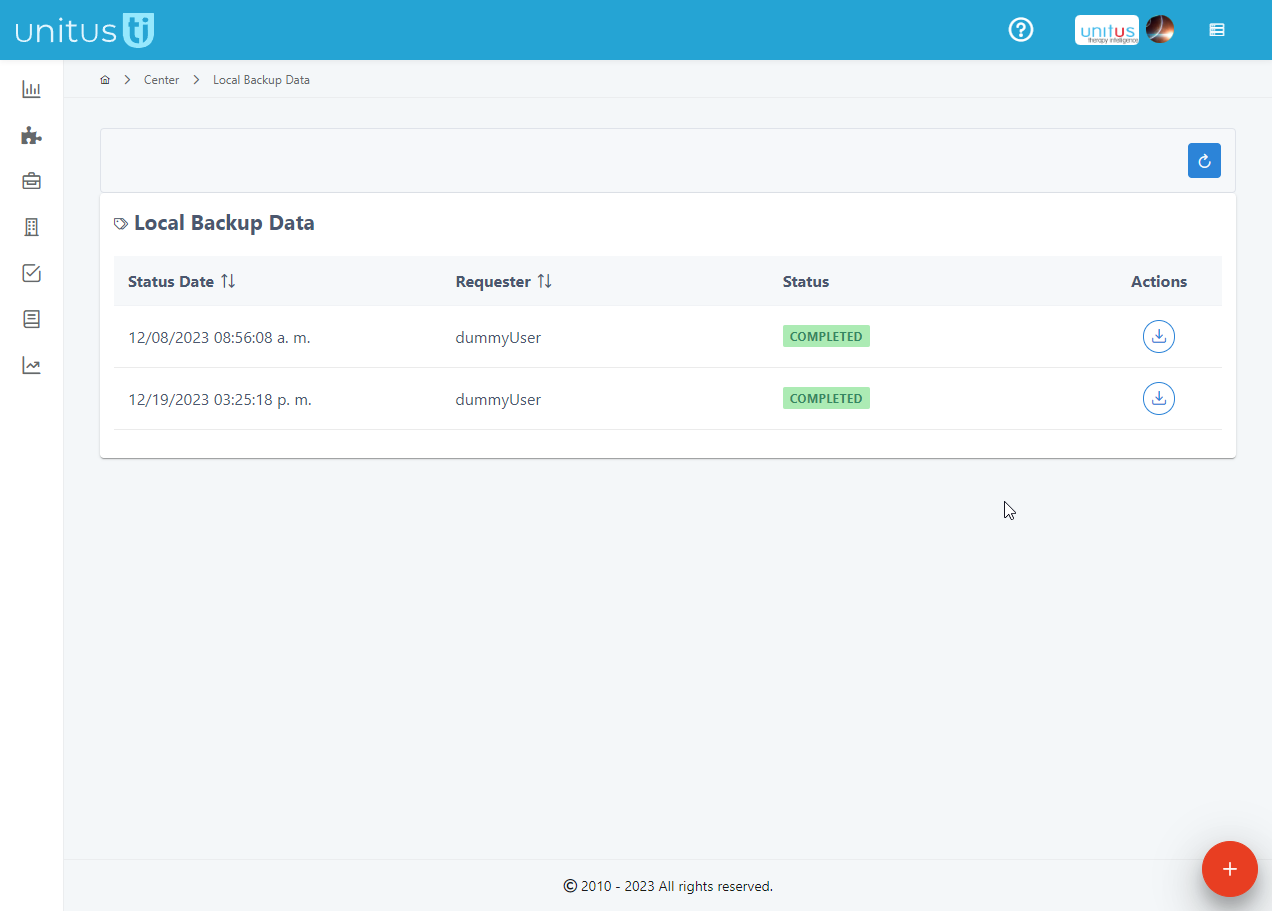
Accessing Local Backup Data
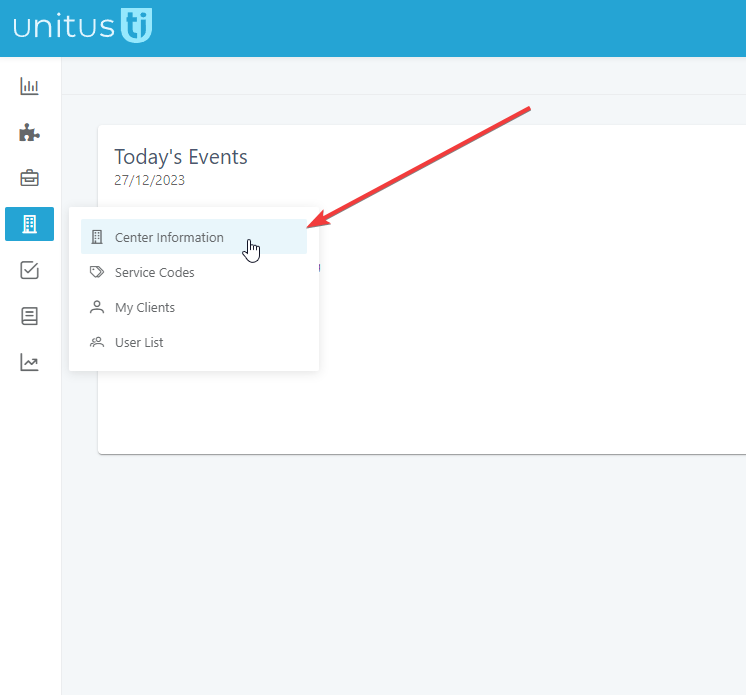
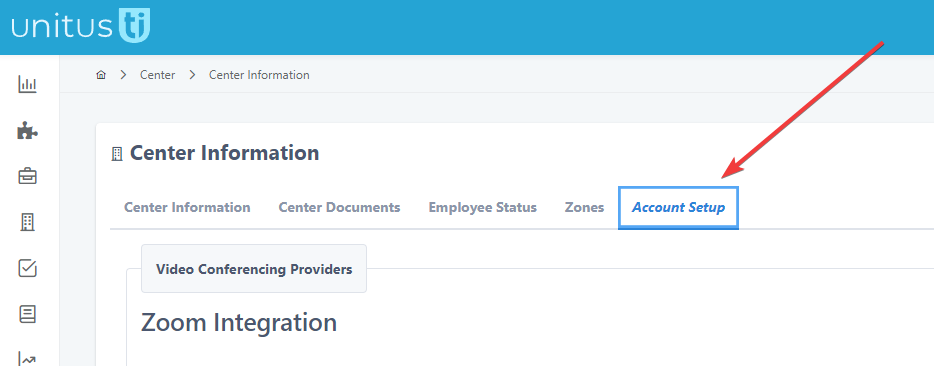
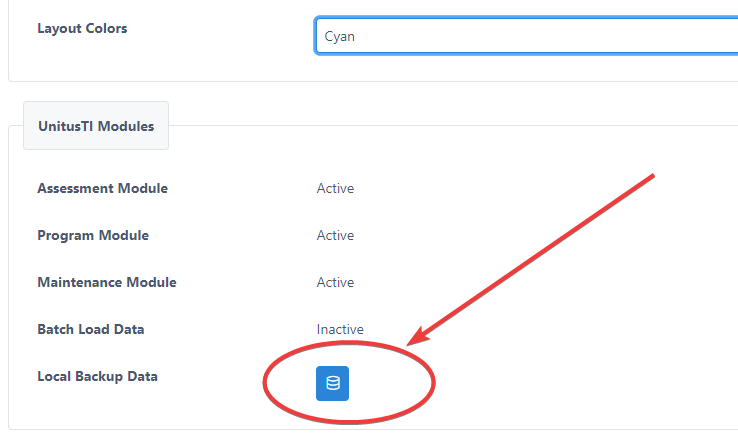
To access the Local Backup Data module, go to:
Center Information → Account Setup
Within Account Setup , locate the Activated Modules section. If enabled on your account, you will see Local Backup Data listed there and available for use.
Start a Backup
To generate a new backup file:
-
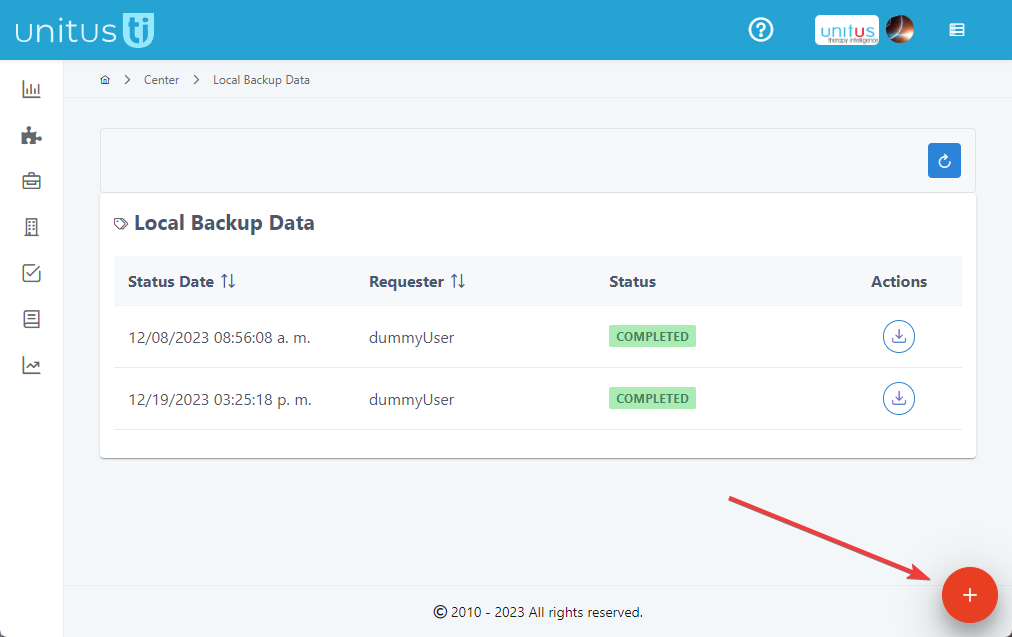
Click the
Start Backup
action (shown as a red button in the bottom-right corner of the screen).
-
The system will prompt you to confirm the action.
Important: Backup generation is limited to a monthly quota (by default, 2 backups per month ). If the monthly quota has been reached, UnitusTI will not allow an additional backup to be started until the next cycle.
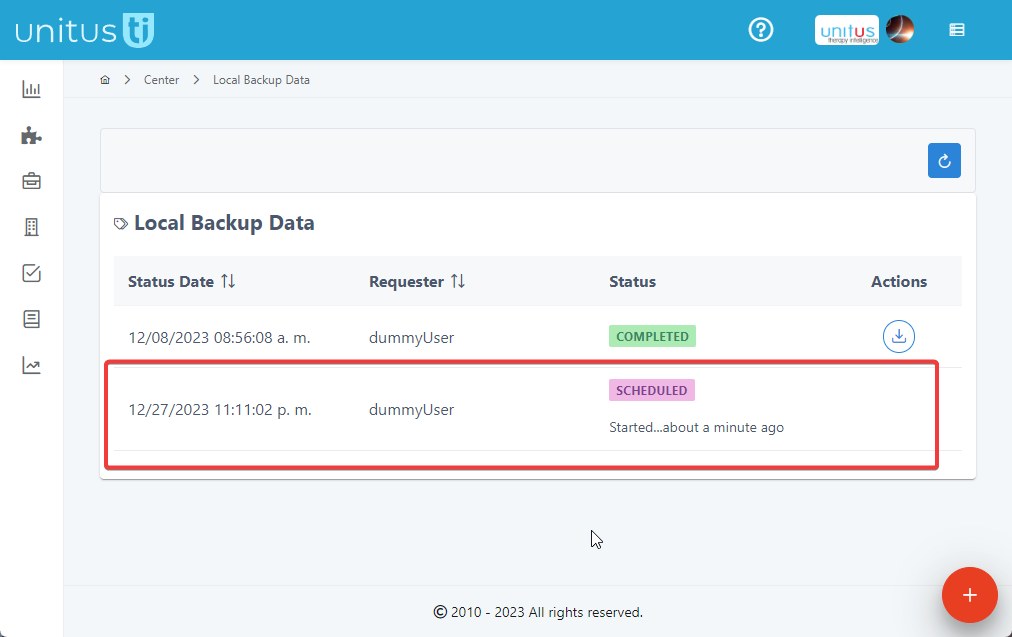
After starting a new backup, you will see the backup listed with a status indicator .
Backup Status & Progress
The page refreshes automatically at regular intervals to show progress. You may leave this screen and return at any time to check the current status.
The following table explains the statuses you may see:
|
|
The system is preparing the infrastructure and gathering the data required to generate the backup. |
|
|
The backup is actively being generated. During this stage, UnitusTI builds the file structure and extracts/transforms account data into a readable, report-style format. |
|
|
The backup process was interrupted due to a system error and the backup was canceled. If this occurs, please contact UnitusTI Technical Support immediately so the issue can be resolved as quickly as possible. |
|
|
The backup process has finished successfully. A download option will be available in the next step/section.
|


…