Over time, it's common to accumulate numerous Service Codes that become obsolete, whether they were originally crafted for training purposes or have been superseded by newer alternatives.
UnitusTI refrains from deleting any records as they may be essential for historical reports. However, the increasing presence of unused items in the Service Codes screen could pose inconvenience to users who solely require active Service Codes for their daily interactions with the system.
Using the “Deactivate” feature for Service Codes can help streamline the length of your Service Codes lists while retaining the records for future reporting purposes.
Note: Deactivating a service code affects all users and clients. If you don’t see the option to Deactivate a service code, it may be that you do not have the required security role to do so. Request this action from your Administrator or an appropriate user. You may check your security role setting in My Account and check security role permissions in the security roles list .
Displaying active Service Codes only
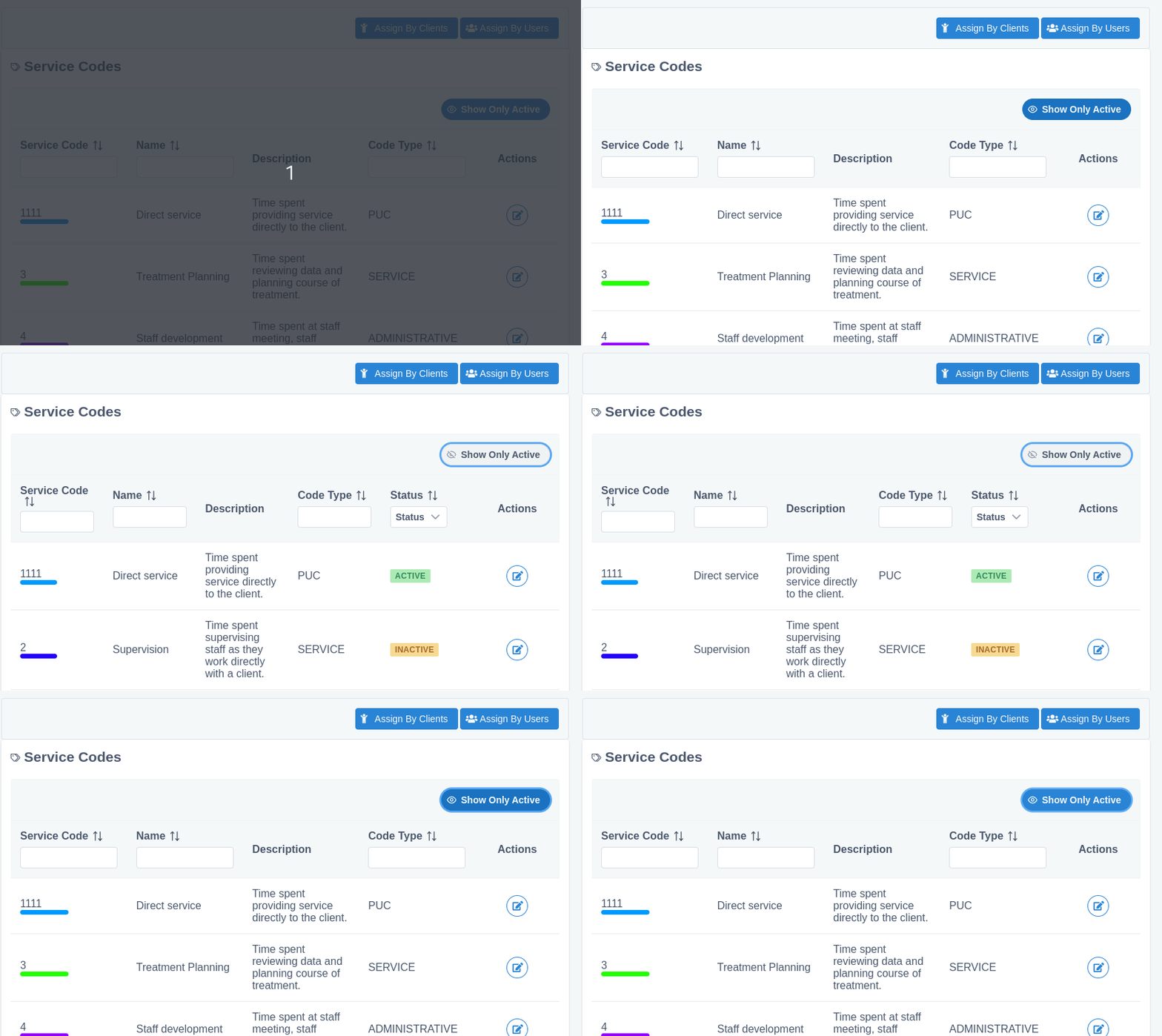
The Service Codes screen includes an “Only Active” toggle, enabled by default:
If you turn off this option, you will be able to see active and inactive Service Codes, along with the status of each one.
This toggle is available in the following screens:
- Service Codes List
- Service Codes - Assignments by Clients
- Service Codes - Assignments by Users
Deactivate Unused Service Codes
A “Deactivate” button is available in the “Edit Service Code” screen:

It is important to note that inactive Service Codes can’t be used in neither:
- Calendar Events
- Assignments to clients or users
- Session notes
You can always re-activate an inactive Service Code, in case of need.
Note: The data stored in the system remains unaltered as historical information, this option only disables new usages of the inactive service code.
Client and User Service Code assignments will also be inactivated
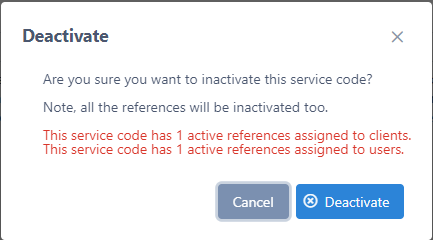
Because a client/user assignment to a Service Code cannot be used if the service code is disabled, the system will automatically disable all the references linked with it, presenting a warning to alert you about the change:
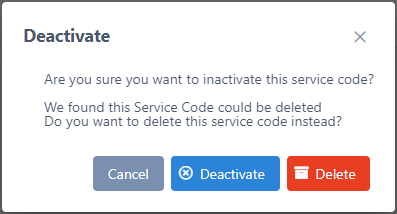
Only if UnitusTI detects that the Service Code is not referenced by any user or client assignments, an option to permanently delete the record will be presented:
Service Code Activation
The activation feature for service codes is available from the same place as deactivation.
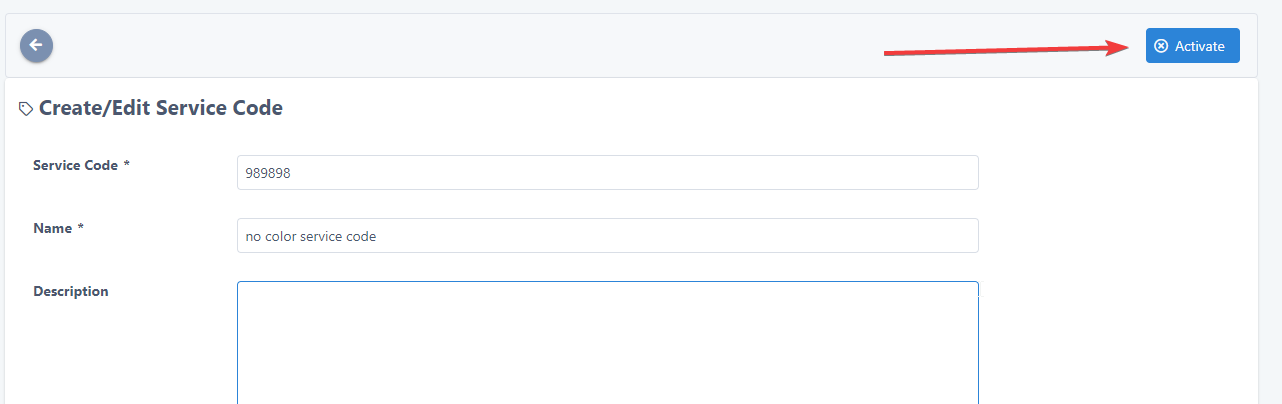
As soon as the user select the option, UnitusTI warns the user with the following message
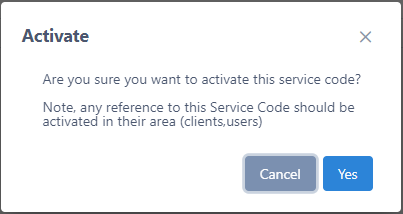
Remember that UnitusTI will reactivate only the Service Code itself, not assignments to clients or users. You can visit the assignations and decide if individual items should be reactivated too.
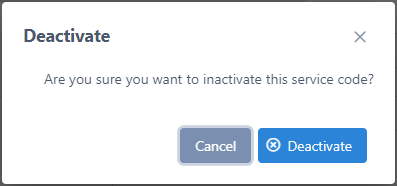
Assignments Clients/Users Deactivation
Similar to the deactivation feature available for service codes, the assignments can be deactivated too. This option is available from the edition/update mode of each assignment.
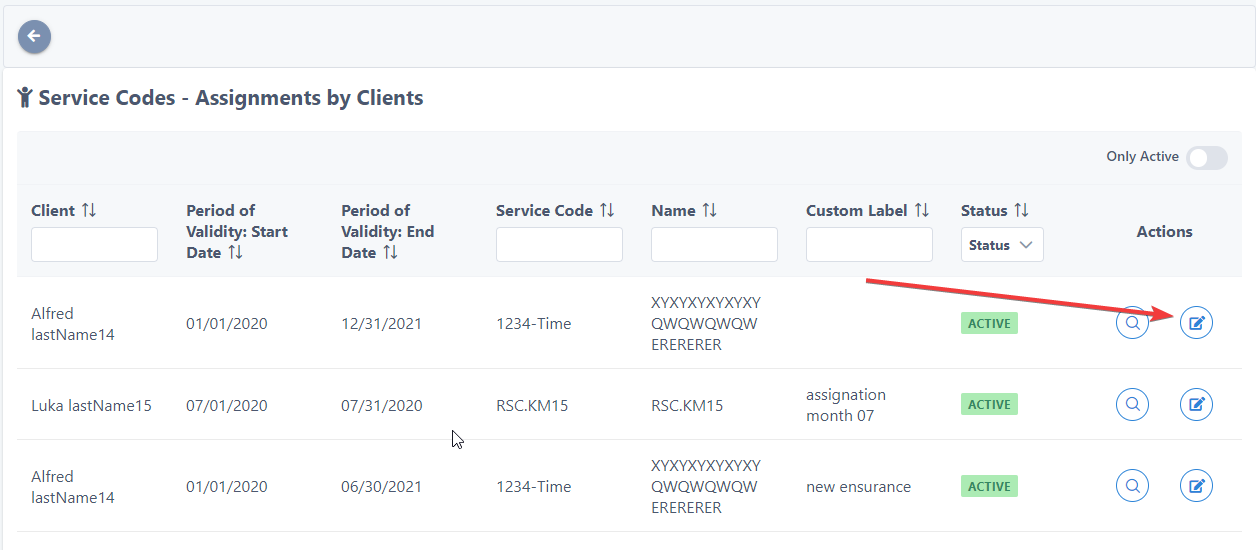
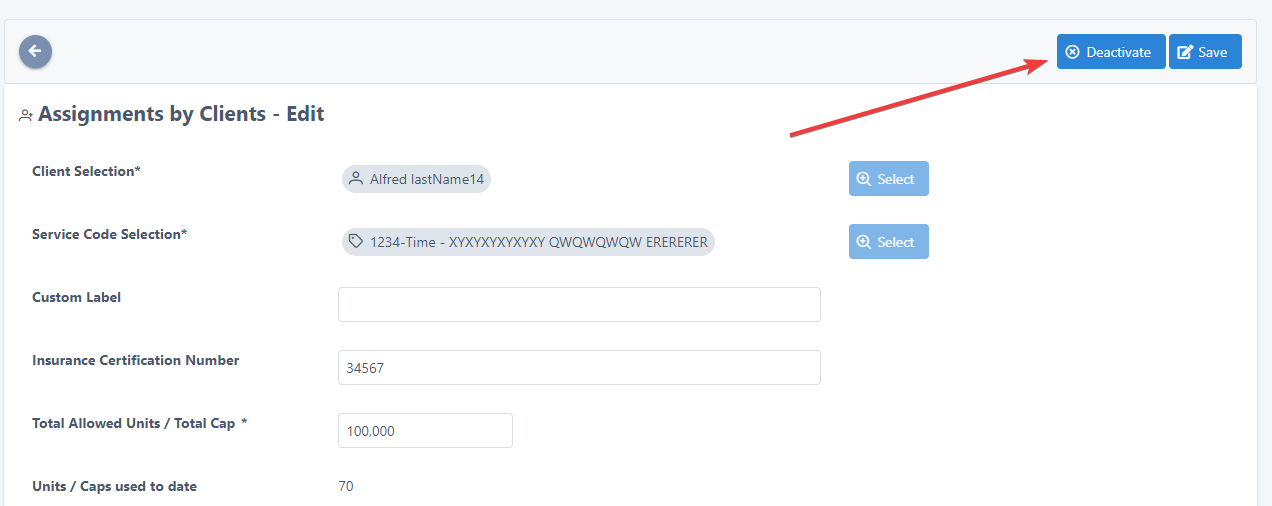
When an assignment is deactivated, it cannot be used again from a session note. Is important to note the system doesn't retire the assignment from the historical information stored before.
If you have an in progress session note using an assignment that was deactivated, then that session note cannot be finished successfully and you should remove the assignment from the session note.
For the deactivation, UnitusTI will suggest the removal of the assignments if not references of usages are found with session notes.
Then, if the system can’t find references the system will show the following dialog, where you could select between deleting or just deactivating the assignment:
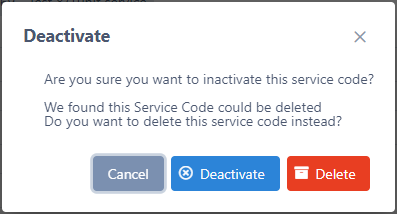
Note a deleted assignment cannot be recovered.
On the other hand, if the assignment has usages in session notes, the only the deactivation option is available.
Assignments Clients/Users Activation
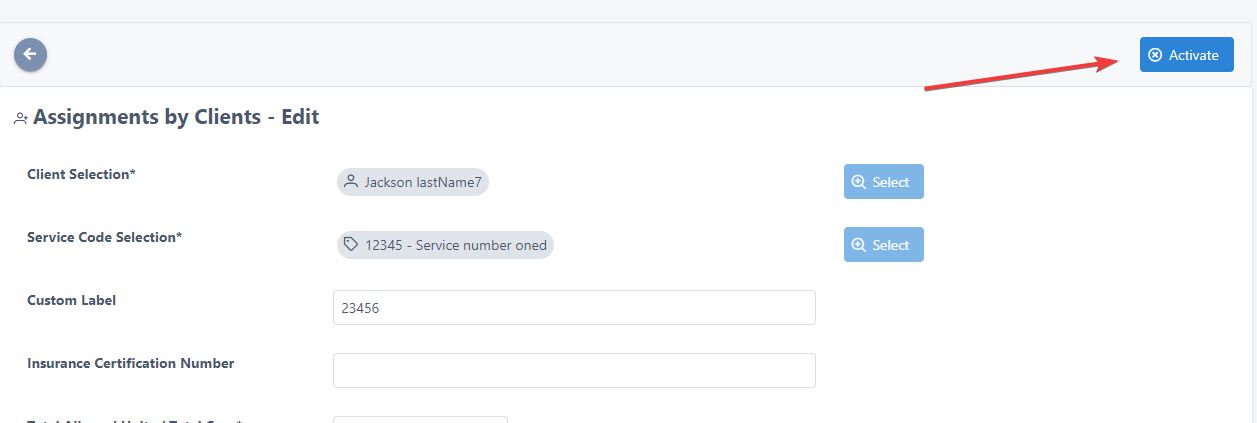
You could find the activation feature from the same place as deactivation.
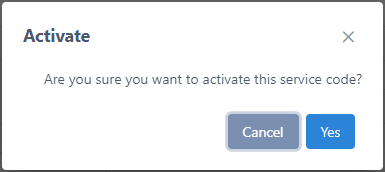
UnitusTI will show a confirmation message like this:
Is important to mention that an assignment cannot be reactivated if the service code itself is inactive, but even if the service code is active, UnitusTI will check that the stored data in the assignment has no conflicts with other active assignments and will warn you accordingly.