FAQ: How to save and reuse my signature?
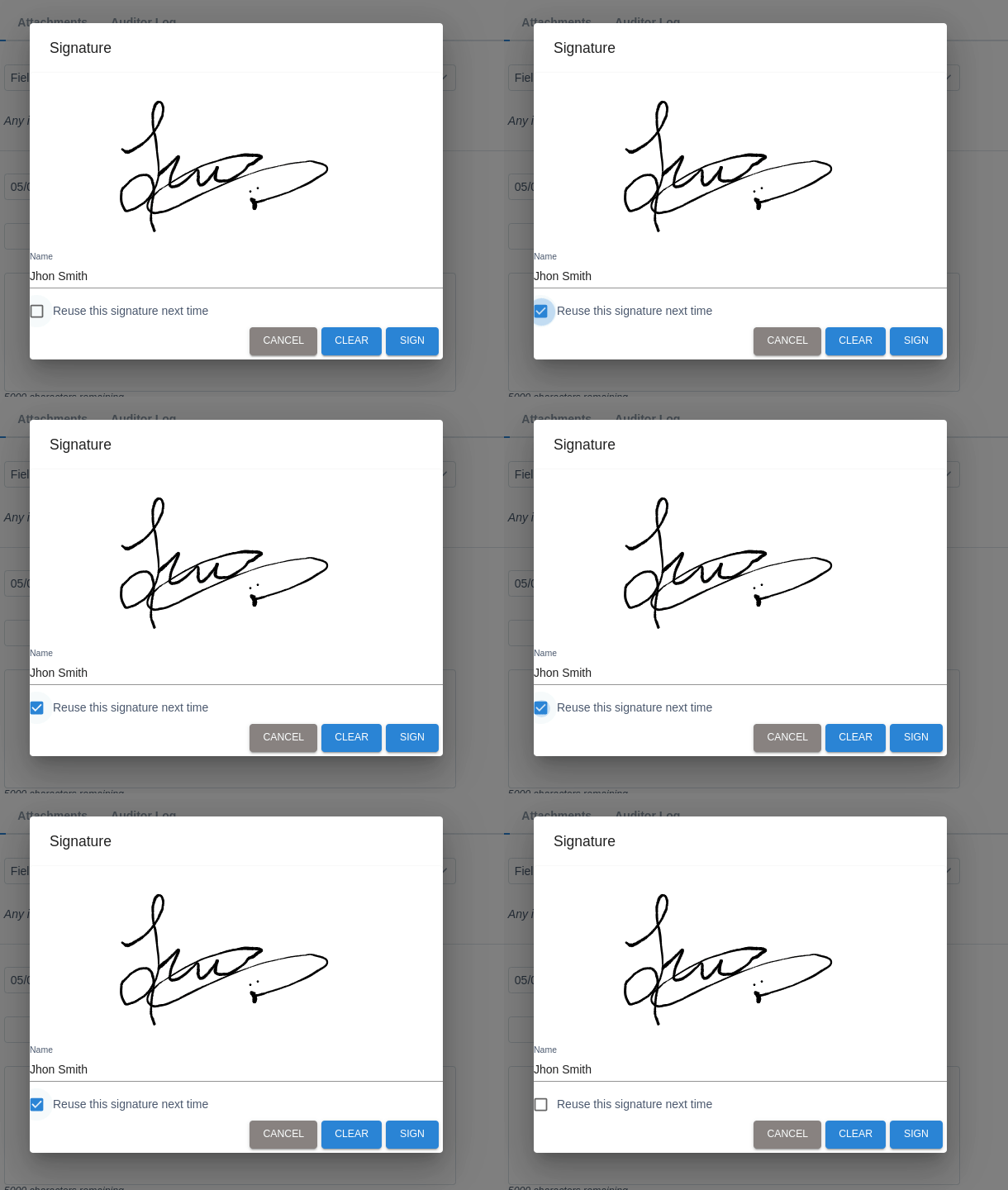
Every time you are required to provide a signature in UnitusTI, like during the creation of a Session Note, the system will check if you have previously saved a reusable signature. The Signature dialog will offer you the option of reuse the last signature, or create a new one.
By checking the “Reuse this signature next time” checkbox, the new signature will be saved instead of the previous one, and will be the suggested the next time you need to sign.