How to Record User Clock-In and Clock-Out
Step 1: Recording Clock-In
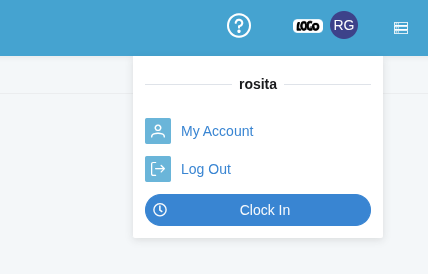
Upon logging into the system, each user can record their entry time by clicking the Clock In option, which is located in the dropdown menu under their profile picture in the upper right corner.
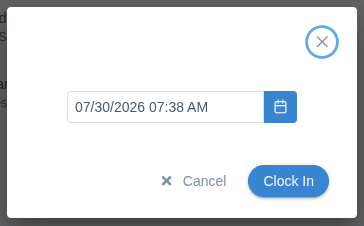
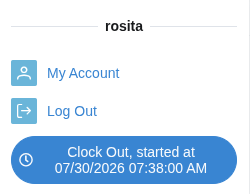
Once clock-in is recorded, a clock icon will appear in the user menu displaying the exact entry time into the system.
Step 2: Recording Clock-Out
To record the departure time, the user simply needs to click on the clock icon located in their profile.
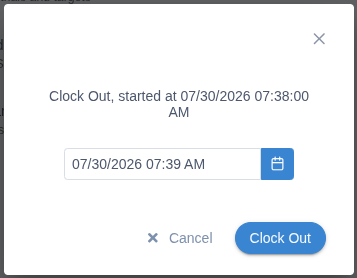
Step 3: Reviewing Attendance and Session Times
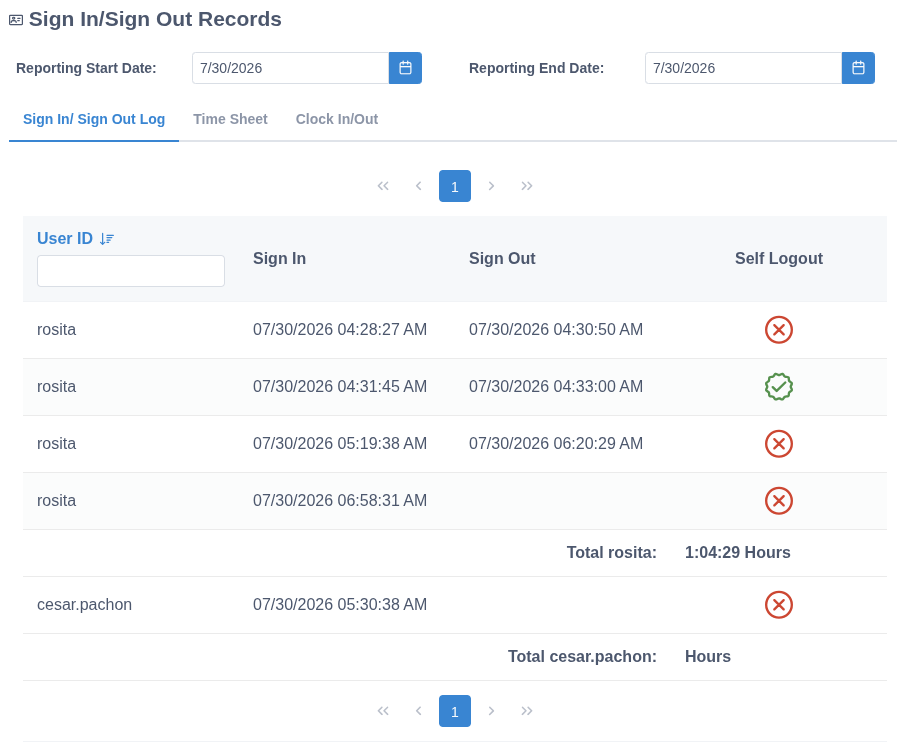
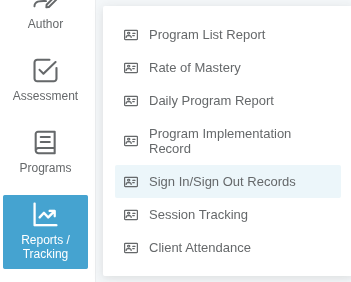
To view the attendance log for users, navigate to the Reports / Tracking menu and select the Sign in/Sign out Records option.
From this section, you will be able to view:
- The session start and end times for each user.
- The total duration spent on the platform.
- The type of session closure (whether performed voluntarily by the user or triggered by the system).